- About Greenback
-
Services + Pricing
- Federal Tax Return Preparation: FAQs
- Late Tax Return Preparation: FAQs
- Foreign Bank Account Reporting
- Foreign Account Tax Compliance Act Reporting
- Small Business Tax Return Preparation: FAQs
- Streamlined Filing Package for Tax Compliance: FAQs
- UK Self-Assessment Tax Return: FAQs
- Canadian Tax Return Preparation: FAQs
- Additional Expat Tax Services
- Consultations
- Tax Prep Process
- Account Assistance
- Completing Your Questionnaire
- Support
How Do I Update My Password?
If you need to reset your password, it’s easy:
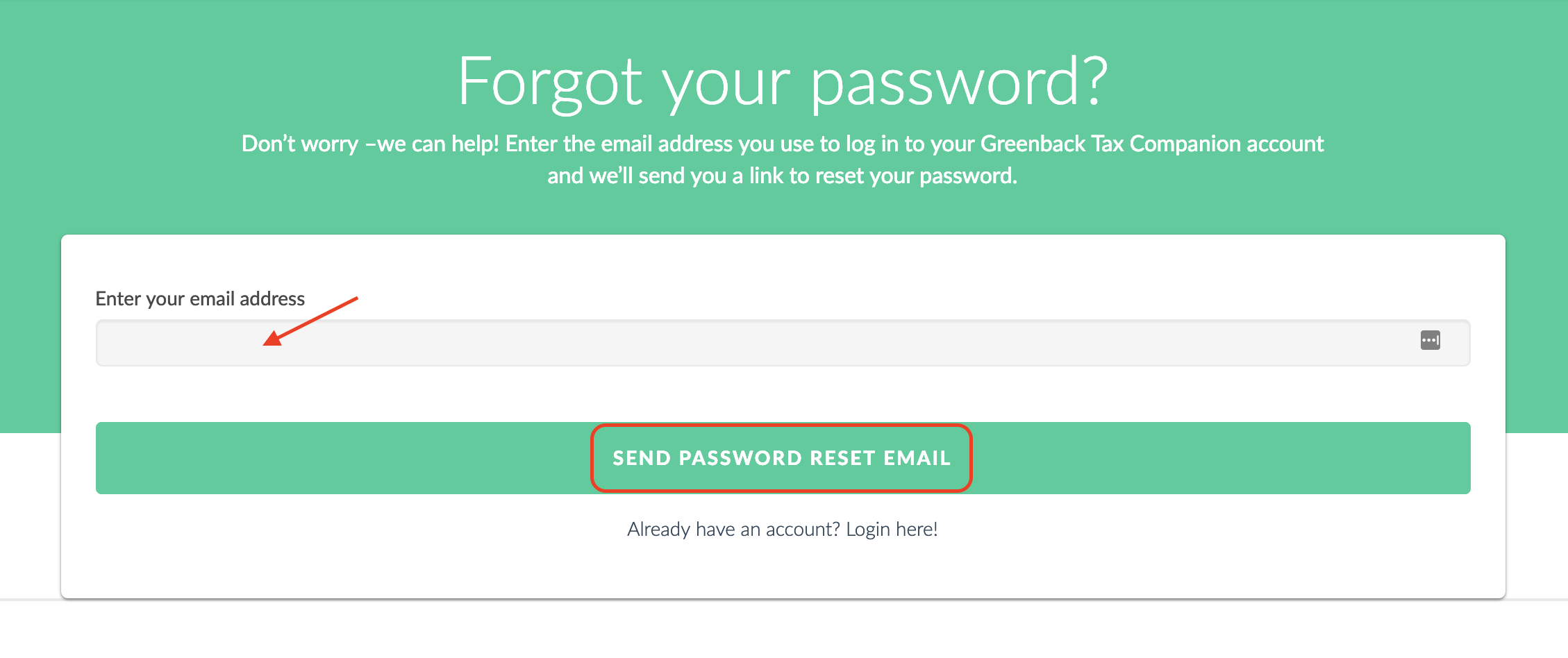
Click here to access the password reset page.
Once there:
- Enter the email address you use to log in to your Greenback Tax Companion account.
- Click “Send Password Reset Email.”
- You’ll receive a secure link via email to reset your password.
If you’re still having trouble, our Customer Champion team is here to help. Contact us, and we’ll be happy to assist you.
or Just click the “Get Started” button in the top right corner of your screen to jump right in!
Last updated on May 1, 2025